Why General TV Sometimes Stops Working
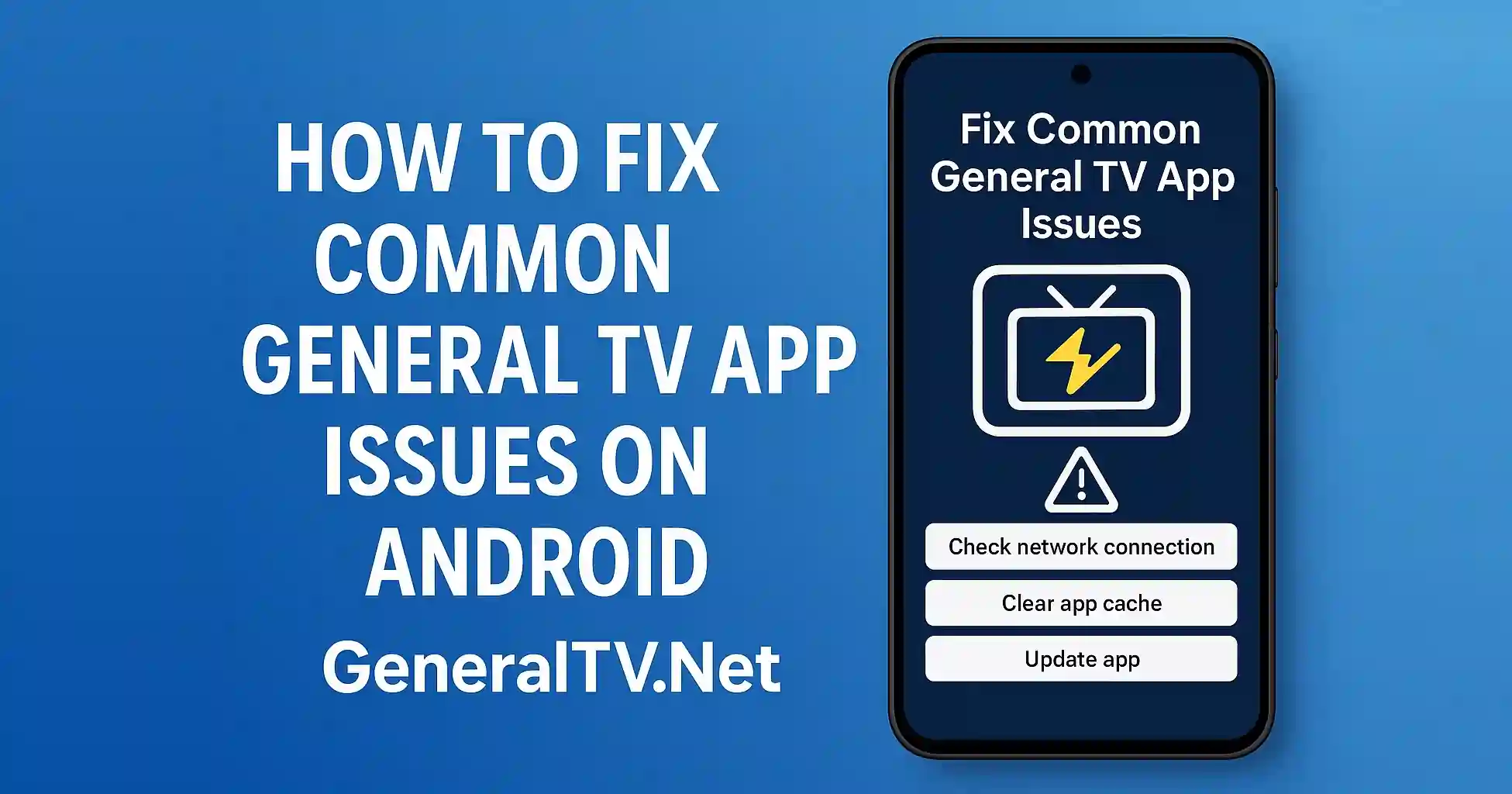
General TV is a popular entertainment app but like any Android app it can sometimes stop working or show random errors Many users face problems like slow streaming app not opening blank screen or activation issues These problems look scary but most of them can be solved with simple steps You do not need any tech skill to fix them.
Fixing the App Not Opening Problem
The most common issue is when the General TV App does not open at all This usually happens because of old cache low storage or outdated APK To fix this first open your phone settings and clear the app cache If the app still does not open then uninstall it and install the latest General TV APK 2025 version A fresh version solves most startup problems and helps the app run smooth again.
Stop the App From Crashing
Another common issue is sudden app crashing This happens mostly when the app is running on old Android versions or your phone is too full Make sure you have at least some free storage Restart the phone and try again If the app continues to crash then reinstall the newest APK It is important to always use the updated release because old builds have bugs that cause crashes.
Fixing Slow Loading and Buffering
Slow loading is very annoying but easy to fix Most of the time it is caused by weak internet or too much background activity on your device Turn off your VPN because it slows down the connection Close all other apps running in the background and restart your router These small steps improve the stream speed and remove buffering problems.
Solve Activation Code Problems
Many users get stuck on the activation screen If your activation code is not working then make sure your time and date settings are correct Also clear data of the General TV app and try again Another helpful trick is restarting the device after entering the activation code These steps fix the issue for most users.
Blank Screen or Audio Without Video
Sometimes the screen stays blank while audio plays This happens due to weak graphic support or outdated player settings Update the APK and restart the app You can also clear app cache to refresh player files.
Final Thoughts
Fixing common General TV app issues on Android is simple when you know the right steps Clearing cache reinstalling the newest APK improving internet speed and checking activation settings solve almost every problem With these easy tricks you can enjoy smooth and fast streaming on General TV without any hassel.